Information Security Policy Template for IT (Free, Word)
A free, editable information security policy for small and mid-sized organizations, with data classification, access and password rules, AI tool use and…
Word · FreeDownload Template →
Score up to five vendors against weighted criteria in your browser or in Excel: a 1-to-5 scale, must-have checks, weighted totals out of 5.00 and a ranking.
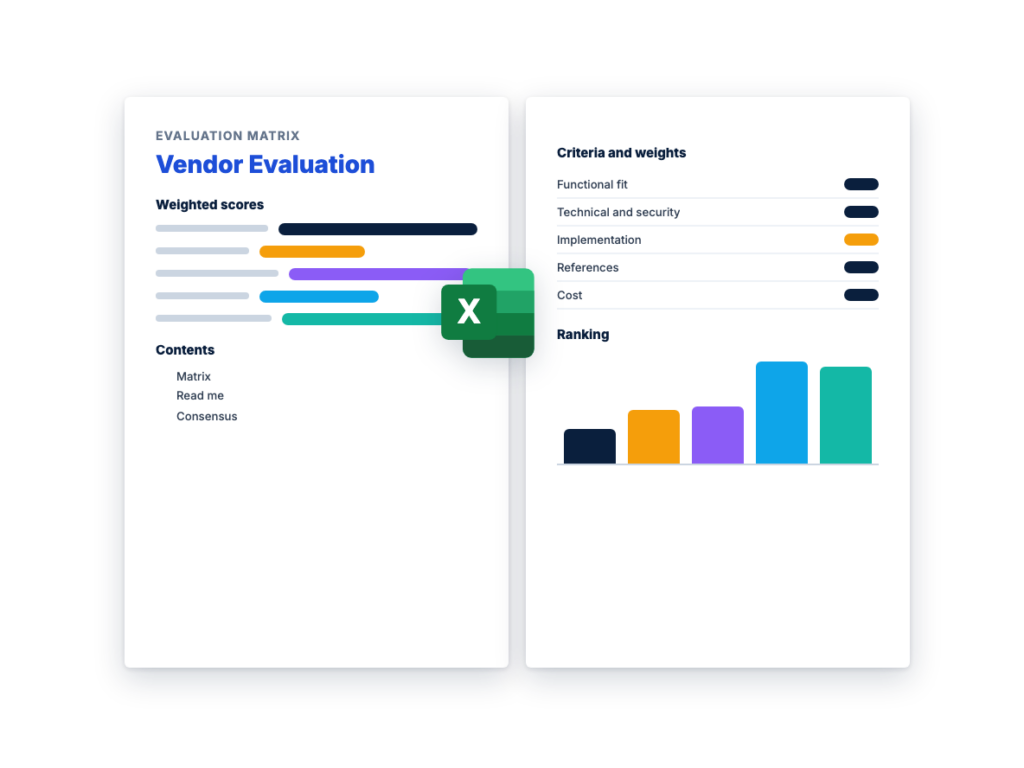
See the matrix with example scores before you download. The Excel file has the matrix, the instructions and a consensus sheet, ready to fill in.
The sections in the document, in order.
A vendor evaluation matrix scores every vendor against the same weighted criteria, so your team compares proposals on evidence instead of impressions. Try the calculator below with your own criteria and vendors, then download the Excel version to share with your evaluation team.
It uses the method in the RFP scoring and evaluation criteria guide: set the weights before any proposals arrive, score each criterion from 1 to 5, and multiply by the weight. A vendor that fails a Must-have requirement is out, whatever its score.
Use the calculator on this page, or download the editable Excel version below.
Edit the criteria and weights, name your vendors, and score each one from 1 (poor) to 5 (exceeds). The totals update as you go. Nothing you enter leaves your browser.
Swipe the table sideways to score each vendor; the criteria stay in view.
Each score is multiplied by its criterion’s weight and divided by 100, and the results are added. With weights that total 100, a perfect vendor scores 5.00. The weights below are the example split from the RFP process guide, as an example only.
| Criterion | Weight | Score (1 to 5) | Weighted score |
|---|---|---|---|
| Functional fit | 35 | 4 | 1.40 |
| Technical and security | 20 | 3 | 0.60 |
| Implementation and support | 15 | 4 | 0.60 |
| Vendor strength and references | 10 | 5 | 0.50 |
| Cost | 20 | 3 | 0.60 |
| Total | 100 | 3.70 |
The 1-to-5 scale
To score RFP responses, enter the evaluation criteria and weights your RFP published, in the same order, so every evaluator scores against what vendors were told. Each evaluator scores alone first, then the team agrees one score per criterion on the Consensus sheet. Vendors that miss a Must-have are marked Eliminated before any weighted total counts. The RFP scoring matrix guide explains how to choose the criteria and set the weights before the RFP goes out.
A decision matrix is the general method: options in columns, weighted criteria in rows, a score in each cell. A vendor evaluation matrix is a decision matrix for choosing a supplier, usually once the proposals from an RFP are in.
A vendor scorecard does a different job: it rates a supplier you already use against its contract, in regular reviews after signing. For that, use the vendor scorecard template.
It’s a table that scores each vendor against the same criteria, with a weight for each criterion, so you can compare proposals on one scale. Each score is multiplied by its weight and the results are added, giving every vendor a weighted total. It’s usually built before the RFP is issued and filled in once the proposals arrive.
List the criteria you’ll judge, give each a weight so the weights total 100, and define what each score from 1 to 5 means. Score each vendor on each criterion, multiply each score by its weight, divide by 100 and add the results. Set the weights before you see any proposals.
Most software purchases cover functional fit, technical fit and security, implementation and support, vendor strength and references, and cost over the full term. Weight them by what matters most for this purchase, and keep the detailed requirements in the RFP rather than the matrix.
Treat them as pass or fail before you look at the scores. A vendor that can’t meet a Must-have is out, however well it scores elsewhere. This template has a Must-haves row that marks such a vendor Eliminated.
No. A vendor evaluation matrix compares vendors before you choose one. A vendor scorecard rates a supplier you already use against its contract, usually in regular reviews after signing.
A free, editable information security policy for small and mid-sized organizations, with data classification, access and password rules, AI tool use and…
A free, vendor-neutral business continuity plan template in Word, with a BIA worksheet, process priorities, continuity strategies, crisis management, communications and an…
A free, vendor-neutral incident response plan template in Word, with roles, a severity matrix, out-of-band contacts, containment approvals, playbooks, evidence and notification…
Please provide your feedback below.
"*" indicates required fields